Technical SEO Audit Checklist: 20 Things to Check in 2026
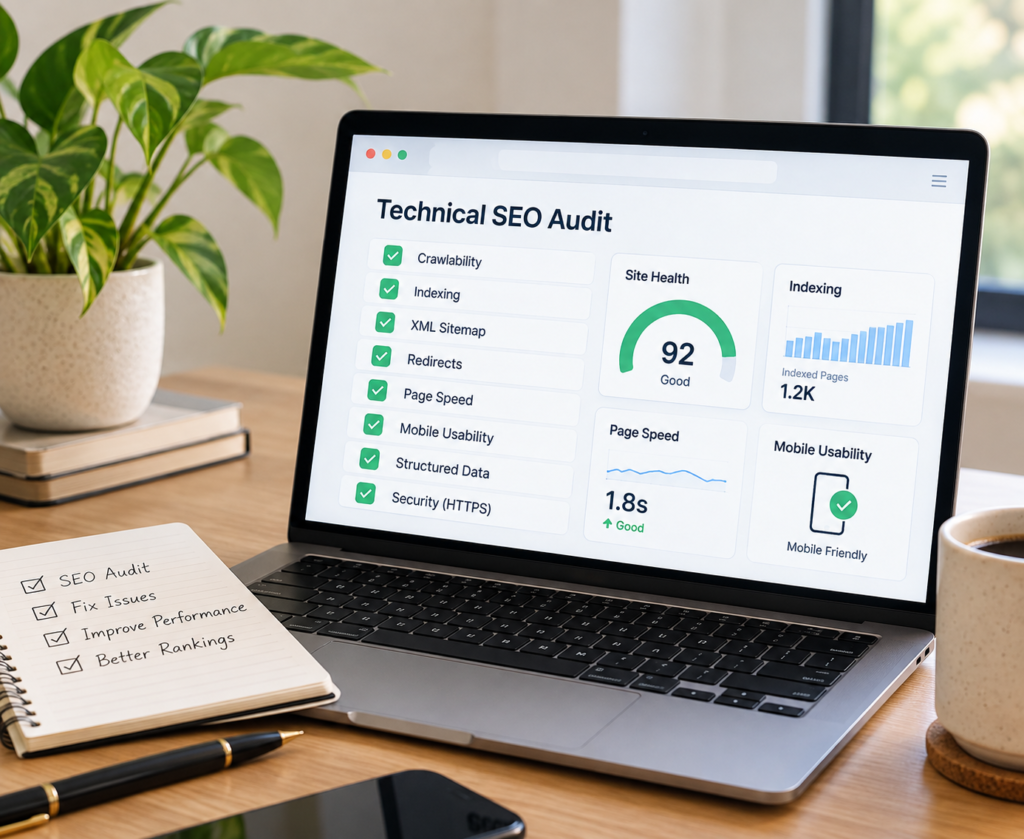
A technical SEO audit checklist helps you find website issues that affect search visibility. First, search engines crawl and index your website. Then, it reviews speed, security, mobile usability, and site structure. Therefore, regular audits can help you maintain a healthy website.
What Is a Technical SEO Audit?
The technical aspects of your website are examined in a technical SEO audit. These elements aid in the discovery, comprehension, and indexing of your pages by search engines.
Moreover, an audit can reveal issues that visitors may never notice. For example, broken links can hurt navigation. Incorrect directives can also prevent search engines from accessing important pages.
Technical SEO Audit Checklist
-
Check Website Crawlability
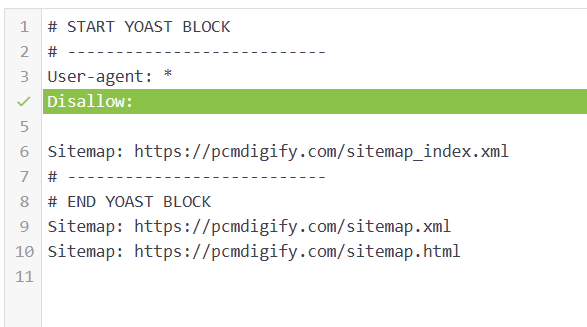
Make sure search engines are able to crawl your key pages first. Review your robots.txt file and check for accidental blocks.
-
Review Indexing
Next, determine which pages Google has indexed Check for indexing issues and excluded pages with Google Search Console.
-
Review Your XML Sitemap
Important, canonical URLs need to be included in your XML sitemap. Also, avoid using old and broken URLs in the sitemap.
-
Review Robots.txt
Your robots.txt should be properly directing search engines. Do NOT use it to delist pages from Google’s index, however.
-
Find Broken Links
A lack of internal links leads to bad user experience. So, check your website for broken links and fix or remove them.
-
Check Redirects
Check your redirects for mistakes. Provide appropriate redirects if pages are moved permanently. Also, don’t have redundant redirect chains.
-
Review Canonical Tags
Canonical tags help search engines understand preferred versions of similar pages. Therefore, check that they point to the correct URLs.
-
Check HTTPS
All pages of your website should be secure (HTTPS). Also, look for mixed-content issues following a switch from HTTP to HTTPS.
-
Test Page Speed
Visitors can get frustrated if pages are slow. So, test key pages and discover any large images, scripts and other performance problems.
-
Check Core Web Vitals
Examine the overall page experience and Core Web Vitals of your website.
Google recommends considering performance, security, mobile usability, and other page experience factors.
-
Test Mobile Usability
Some people access your site from their smartphones and tablets, so it’s important that it works on these devices as well. Make sure that navigation, buttons, text size, and page layouts are correct.
-
Check URL Structure
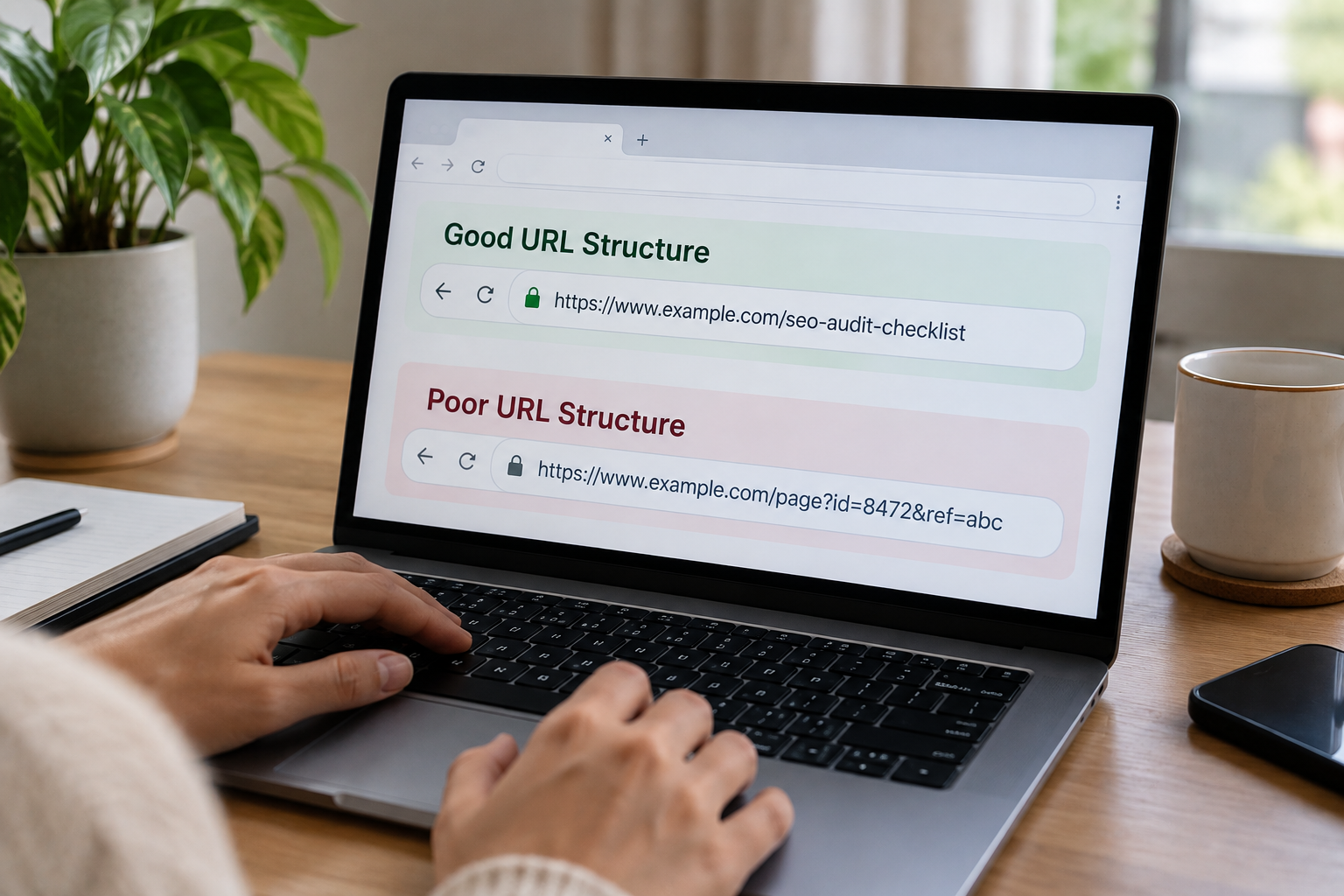
Make URLs simple, descriptive and consistent. Don’t use unnecessary parameters, random characters, and long URLs.
-
Find Duplicate Content
Duplicate pages can confuse search engines. Therefore, identify similar pages and use canonicalization or other suitable solutions.
-
Review Internal Links
Related pages on your website are connected via internal links. Additionally, they aid in the discovery of significant material by users and search engines.
-
Check 404 Pages
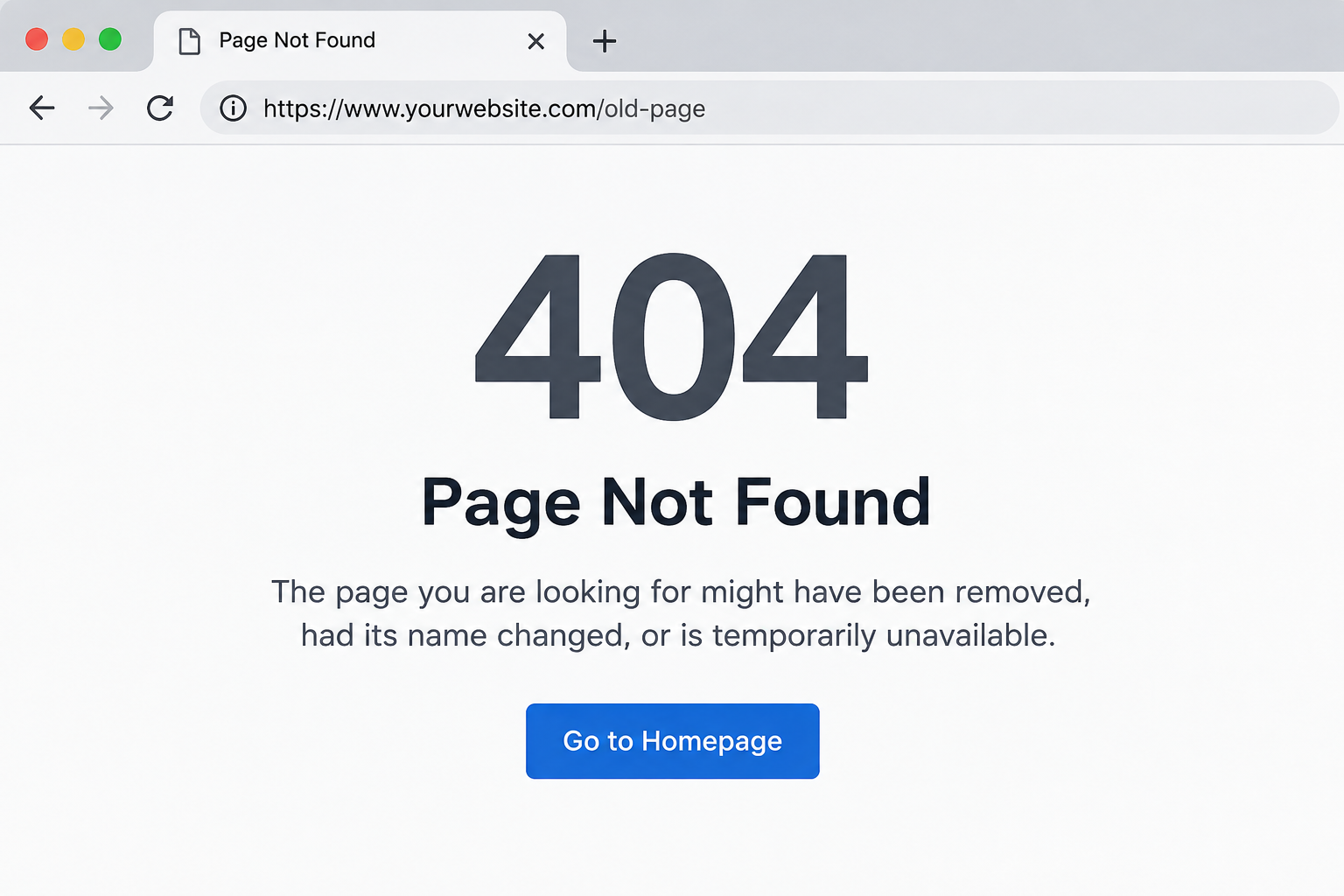
Highlight pages that return 404 error. Secondly, if there is a suitable alternative to replace a deleted page, redirect it.
-
Review Structured Data
Review your Structured Data for errors. In addition, ensure that your markings are the same for every page.
-
Check Image Optimization
Large images can make pages load slowly. So, compress images and use appropriate formats without loss of significant visual qualities.
-
Test JavaScript Rendering
There are some websites that depend on JavaScript extensively. Test to see if key content, links and navigation elements can be found by search engines.
-
Check Mobile-First Performance
Most websites implement mobile-first indexing on Google. So, make sure the crucial content on your desktop version is also included on your mobile version.
-
Review HTTP Status Codes
Lastly, ensure you are checking the correct URLs, and the status codes are correct. Pages should respond to requests in an appropriate way, rather than an unexpected error.
Which Tools do you have?
You may examine indexing and search performance with Google Search Console. You may analyse Core Web Vitals and performance using Page Speed Insights.
Crawling tools can also assist you in identifying technical issues, broken links, redirects, and duplicate pages.
When To Run an SEO Audit?
Regularly review your website. But do a new audit if you have undergone a significant traffic drop, platform change or redesign.
In addition, a professional audit will be able to identify technical issues which may not be clearly explained by basic tools. The detailed review can then translate those findings into actionable solutions.
If you’re looking for more comprehensive SEO services, find out what a Google SEO agency can provide you with beyond an audit.
FAQ
What does a technical SEO audit include?
A technical audit usually covers crawlability, indexing, sitemaps, redirects, canonical tags, speed, mobile usability, security, and structured data.
For a technical SEO audit, which tool works best?
No single tool covers everything. Google Search Console, Page Speed Insights, and crawling tools can work together for a broader review.
Can technical SEO improve rankings?
Search engines may access and comprehend your website with the aid of technical SEO.
Conclusion
Technical SEO Audit finds issues that can impact your website’s performance before they occur. So, try to use this checklist when you’re reviewing your website regularly.
Most important, however, is to solve the crucial problems first. After that, keep tab on your site and check technical changes on a regular basis. This can help to establish a more solid basis for your comprehensive SEO campaign.